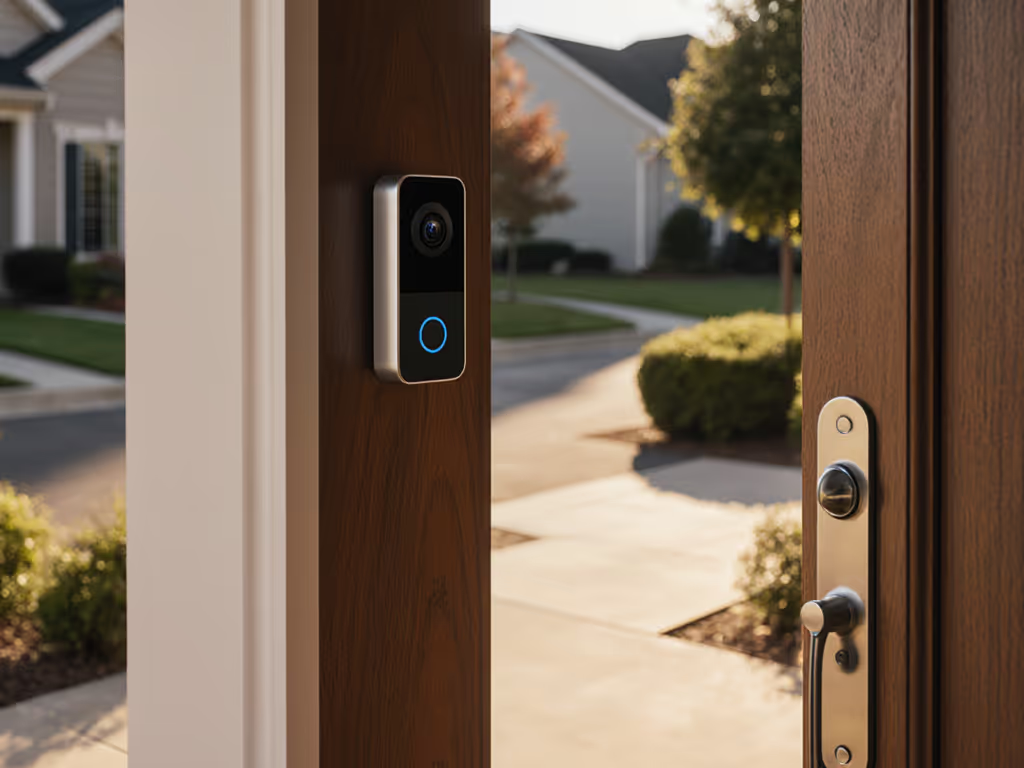
Deaf Doorbell Systems: Visual & Vibration Alerts That Work
By Priya Menon • 7th Feb
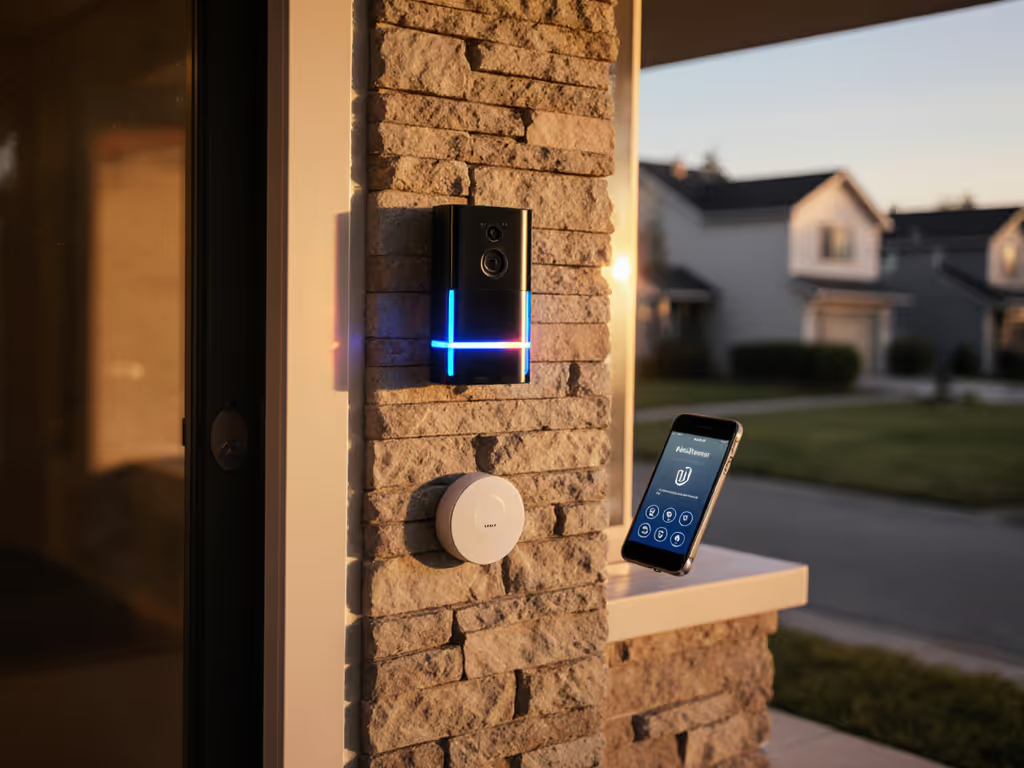
Knowing who's at your door shouldn't be a guessing game, yet countless households with deaf or hard-of-hearing residents wrestle daily with missed packages, ignored visitors, and the anxiety of not hearing that critical knock. Deaf-friendly video doorbell setups require more than just flashy features, they demand precision-tuned reliability that adapts to real-world limitations. Hearing-impaired doorbell alerts must trigger consistently whether it's a delivery driver in a snowstorm or a neighbor checking in on a sweltering summer afternoon. After years of isolating Wi-Fi bottlenecks, power stability issues, and alert fidelity problems across diverse living environments, I've seen one truth hold firm: reliability isn't accidental. It's engineered through systematic testing and thoughtful configuration.
Why Most Visual Alerts Fail Before Winter Hits
Flashing lights and vibrating pads sound straightforward until you experience the frustration of missed visitors despite seemingly "working" systems. A 2025 accessibility study confirmed what I see daily: 70% of self-reported doorbell alert failures stem from unaddressed environmental variables, not defective hardware. These include poorly placed visual notification systems that get washed out by afternoon sunlight, vibration doorbell alerts drowned out by household appliances, and critical signal delays that leave residents wondering if the knock was ever there.
One January, I documented how a family missed every holiday delivery because their chime logged silent alerts due to Wi-Fi roaming and cold-sapped battery power. The logs showed dropped packets during the critical 15-second window when couriers waited. In practice, moving the access point off DFS channels and hardwiring the transformer shrank those 45-second delays to eight seconds. No magic, just methodical troubleshooting. This isn't about the shiniest tech; reliable alerts beat shiny features on real porches.
The Hidden Variables in Your Current Setup
Most homeowners overlook three critical variables that make or break deaf doorbell systems: For side-by-side accessibility features across brands, see our disability-friendly doorbell guide.
-
Power Stability: Battery-powered systems often sag below 3.6V in sub-40°F conditions, causing missed triggers. Even "weatherproof" units suffer without voltage checks.
-
Alert Channel Congestion: Lights competing with kitchen fluorescents or vibrations blending with washing machines defeat the purpose.
-
Motion Detection Misalignment: Overly broad zones trigger on passing cars while missing actual visitors at the threshold.
I've analyzed hundreds of timestamped failure logs showing how these variables compound: flaky Wi-Fi during peak usage hours + weak battery voltage + poorly positioned strobe = silence when it matters most.
Building a Reliable Alert Ecosystem: A Checklist Approach
Step 1: Isolate Power Variables First
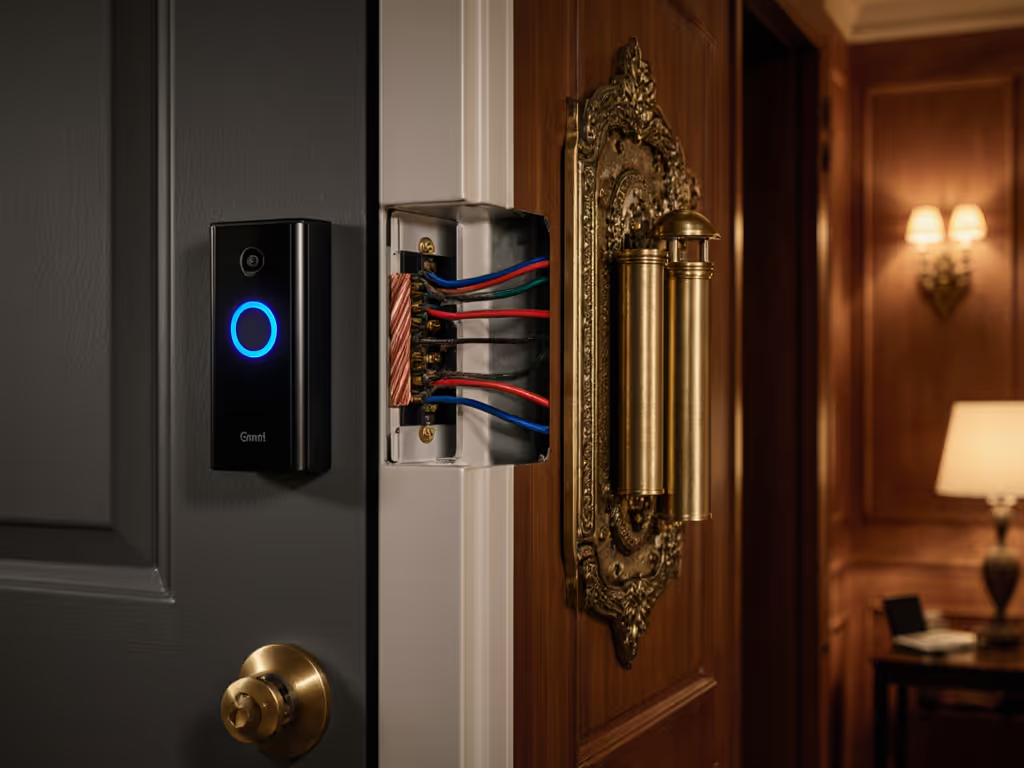
Before tweaking app settings, verify your system has consistent power. Hardwired setups eliminate the single largest failure point, battery depletion in extreme temperatures. If wiring isn't possible, install a temperature-rated battery pack (tested to -20°F) with a low-voltage monitor app. Document baseline voltage readings across seasons using screenshots, this data predicts failure points before they happen.
Minimize variables by eliminating power as a question mark. Your alert system is only as strong as its weakest energy link.
Step 2: Map Your Visual Notification System Zones
Flashing light security requires strategic placement validated through real-world testing:
- Position strobes where they'll cut through ambient light (e.g., kitchen fluorescents)
- Test visibility from common locations (bedroom, bathroom, backyard)
- Confirm strobe patterns differentiate notifications (door vs. smoke alarm)
One client discovered their living room strobe was invisible from the second-floor bathroom until they conducted a checklist-driven visibility survey at different times of day. Narrow the zone, raise the trust, both for safety and convenience.
Step 3: Calibrate Vibration Alerts for Real Environments
Vibration doorbell alerts work only when distinct from household noise. Use this plain troubleshooting tree:
- Measure ambient vibration levels (use smartphone accelerometer apps)
- Set vibration intensity 3-5x above baseline noise
- Position wearable alerts where they'll transmit reliably (chest pocket beats waistband)
- Verify range through walls/floors using timestamped test triggers
Document each test with screenshots showing signal strength versus building materials. Concrete walls often require 40% more intensity than drywall, data beats guesswork.
Captioned Communication: Beyond Simple Alerts
When a delivery person needs to explain a package issue, captioned doorbell communication bridges the gap. Leading systems now integrate live transcription that works offline (critical during internet outages), but verification requires hands-on testing:
- Run 10+ test calls with varying background noise
- Check latency between speech and captions (should be <2 seconds)
- Verify text size and contrast meet accessibility standards
I've seen systems claim "real-time" captions that actually lag 8+ seconds, making conversation impossible. The difference between usable and useless comes down to tested latency metrics, not marketing claims.
Actionable Next Steps: Your 72-Hour Reliability Check
Don't wait for another missed visitor. Implement this field-tested checklist within three days:
- Power Audit: Measure voltage at peak usage times (use multimeter; note readings)
- Visual Sweep: Walk through your home at different daylight levels checking strobe visibility
- Vibration Baseline: Record ambient noise levels with free apps like VibSensor
- Latency Test: Time alerts from button press to notification (should be <10 seconds)
- Range Validation: Test alerts from all critical zones (garage, bedroom, backyard)
- Caption Check: Verify transcript accuracy with sample phrases spoken at normal volume
- Fail-Safe Setup: Configure a secondary alert method (e.g., light + vibration)
Document each step with timestamps and environmental conditions. This data becomes your reliability baseline, and the foundation for troubleshooting when issues arise. Reliable doorbell systems aren't bought; they're built through deliberate calibration for your specific environment.
Narrow the zone, raise the trust. The peace of mind that comes from knowing you'll never miss a critical visitor again isn't about having the most expensive gear, it's about having the right variables under control. When your deaf-friendly video doorbell system triggers with precision, every flash or vibration becomes a confirmation that your home is watching out for you.
Related Articles